

Offer price: 79.99
Currency: USD
-
Appearance - 8/108/10
-
Efficiency - 6.4/106.4/10
-
Features - 8.5/108.5/10
-
Materials - 9/109/10
-
Performance - 8.5/108.5/10
-
Portability - 9/109/10
-
User Experience (UX) - 8.5/108.5/10
-
Value - 9/109/10
Summary
The Epomaker Carbon X is a rare product in that it is genuinely difficult to find a meaningful weakness to level against it at its price point. Flagship sensor, top-tier MCU, Omron optical switches, carbon fiber construction, excellent coating, web-based software, and 8,000Hz polling, all for USD $79.99. The stock skates are the only thing that falls short of the overall standard, and that is easily remedied.
Overall
8.4/10Pros
+ Flagship Hardware at a Midrange Price
+ Exceptional Main Button Implementation
+ Carbon Fiber Build That Actually Delivers
+ Reliable Wireless Performance
+ Coating and Grip
+ Solid Secondary Controls
+ Web-based Software
Cons
– Stock Skates Are Just Average
– Battery life could be better
Unboxing the Epomaker Carbon X
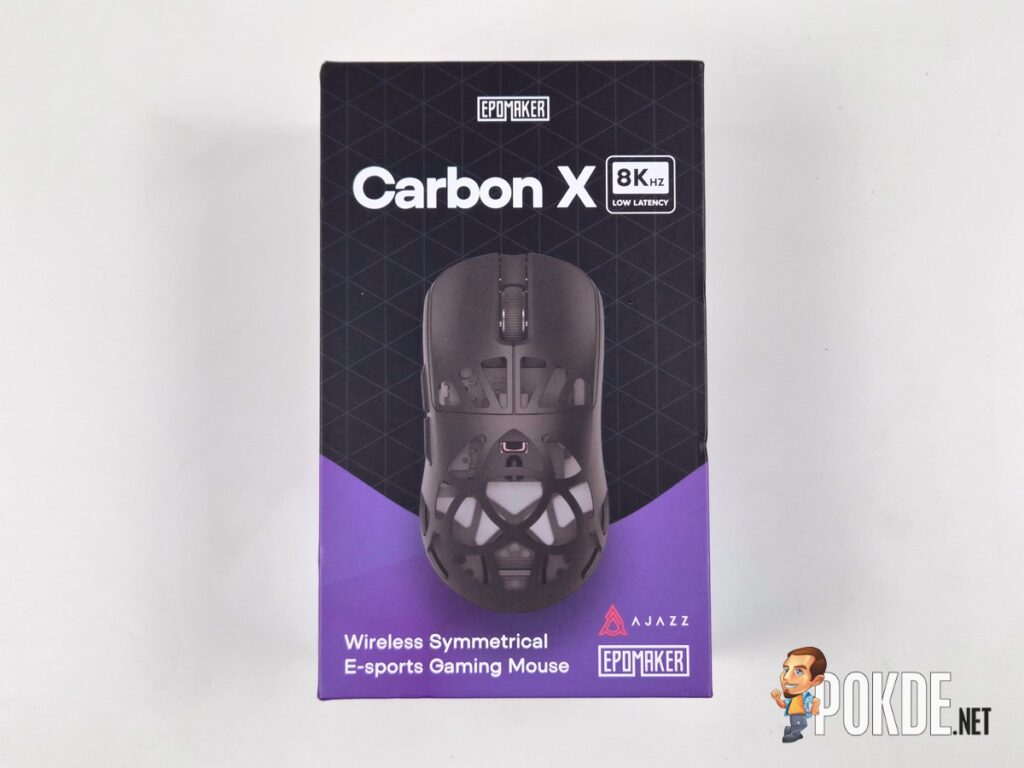
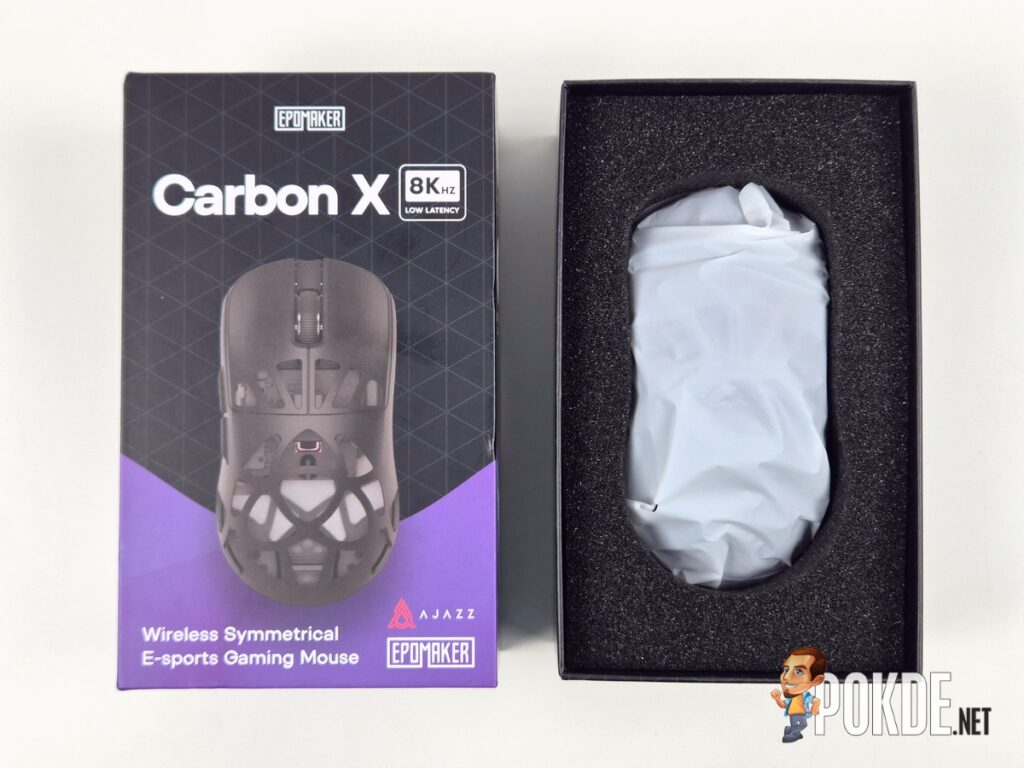
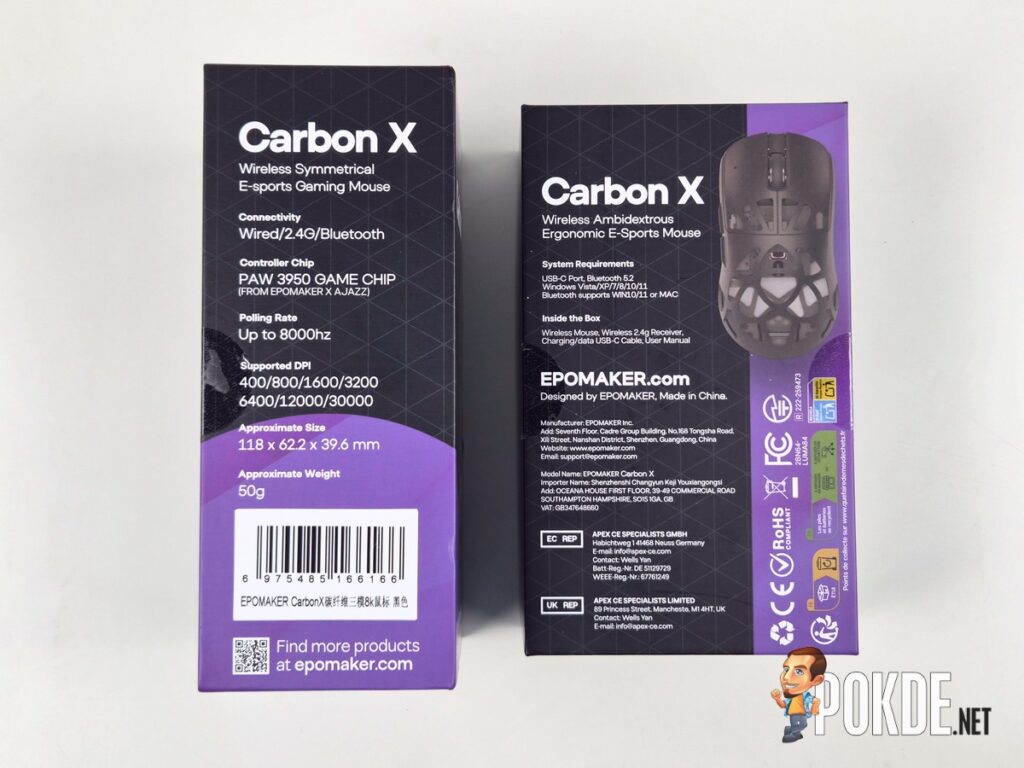
The Epomaker Carbon X arrives in packaging that immediately sets a certain tone. Clad in black and purple, it is not trying to be a luxury unboxing experience, but it is clearly a step above the kind of flimsy cardboard box you might expect at this price point. The material feels sturdy and confidence-inspiring, the kind of packaging that makes you reasonably certain the product inside survived whatever the courier put it through.
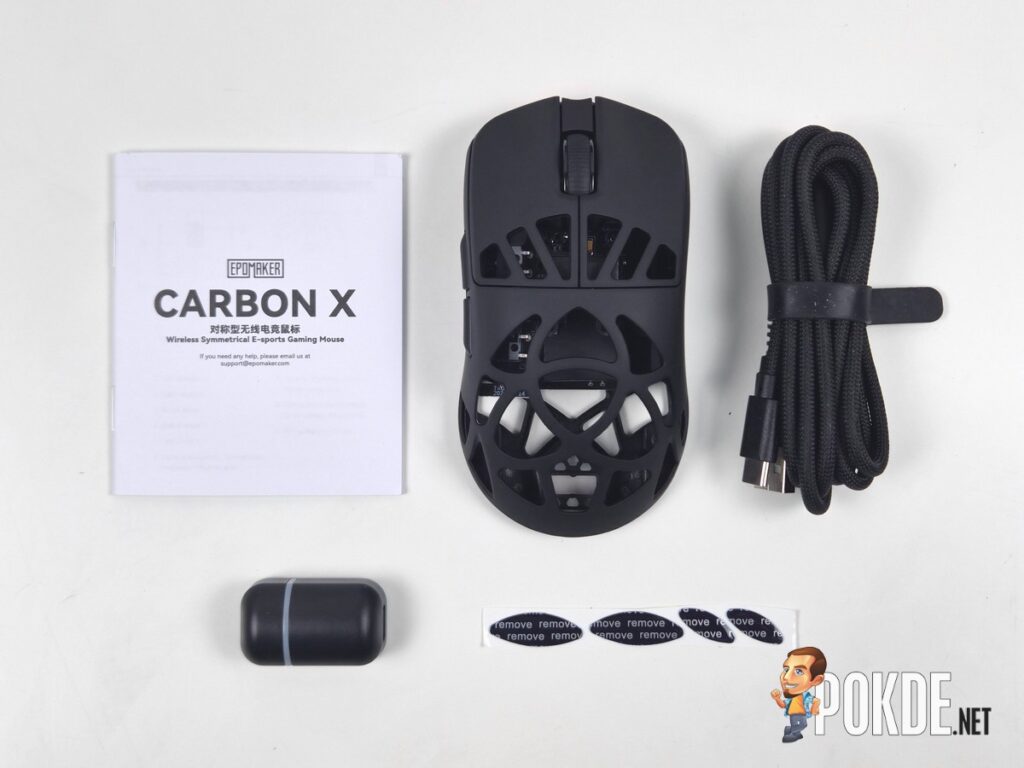
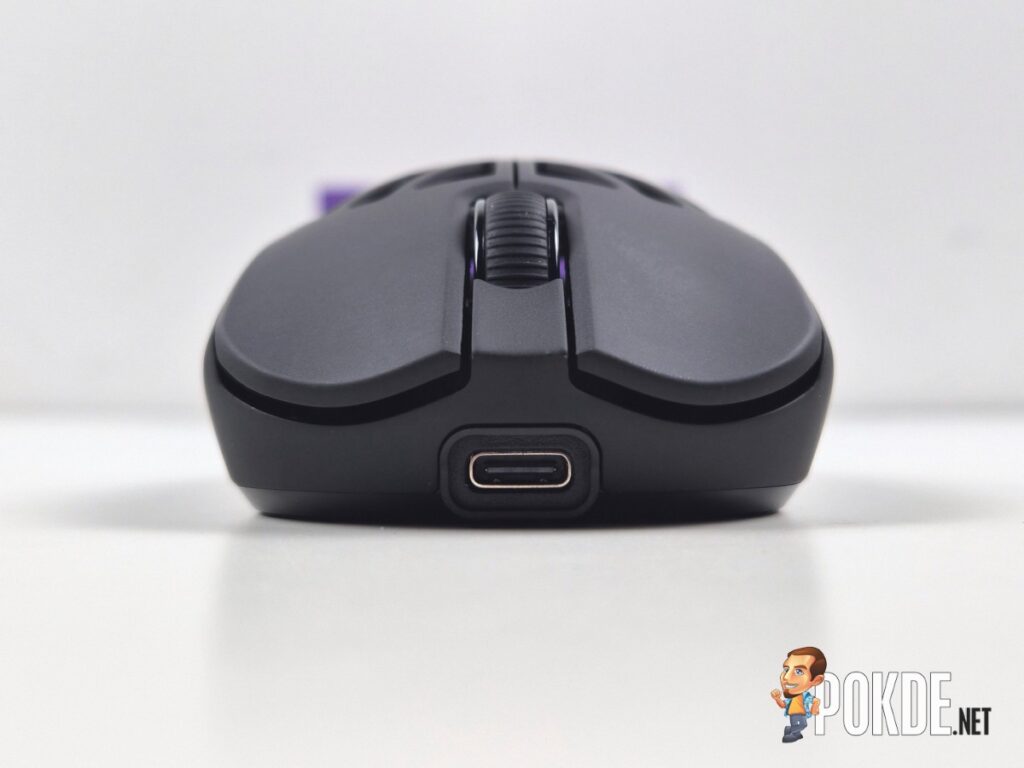
Inside the box, you get the Carbon X itself, a braided USB-A to USB-C cable with a ferrite core to reduce signal interference, a 2.4GHz wireless dongle, a spare set of skates, and the usual documentation. The braided cable is well-made and feels durable, though given that this is primarily a wireless mouse, it will likely spend most of its life charging the mouse or connecting the dongle rather than being used as a primary connection.
Walkaround
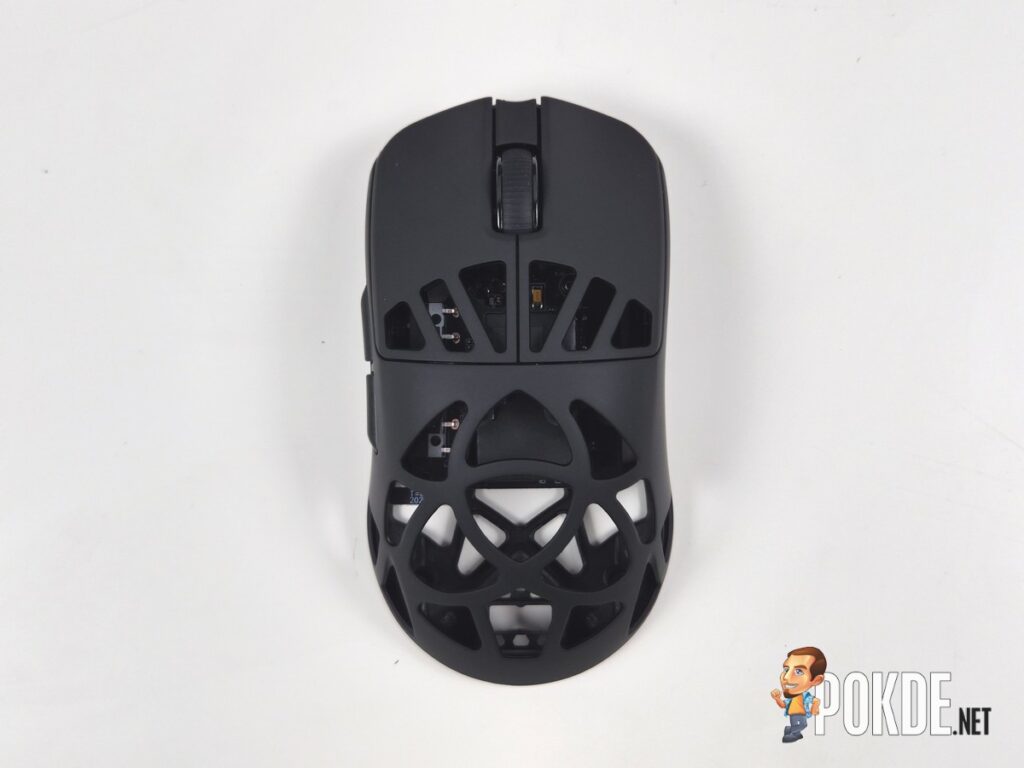
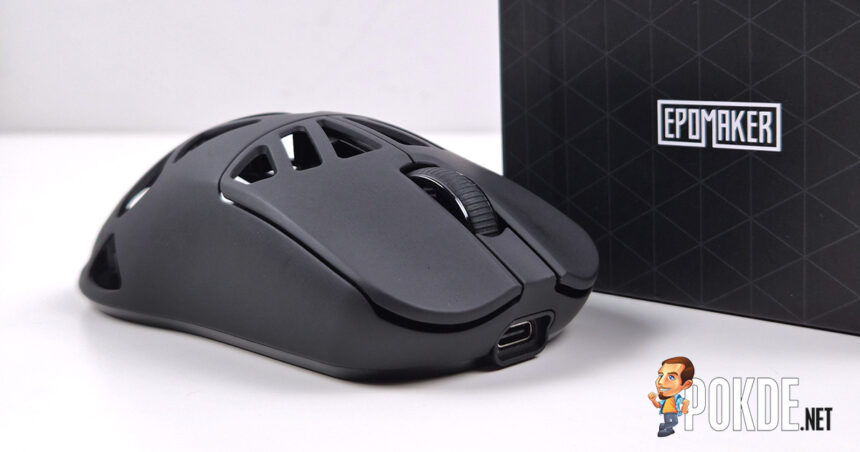
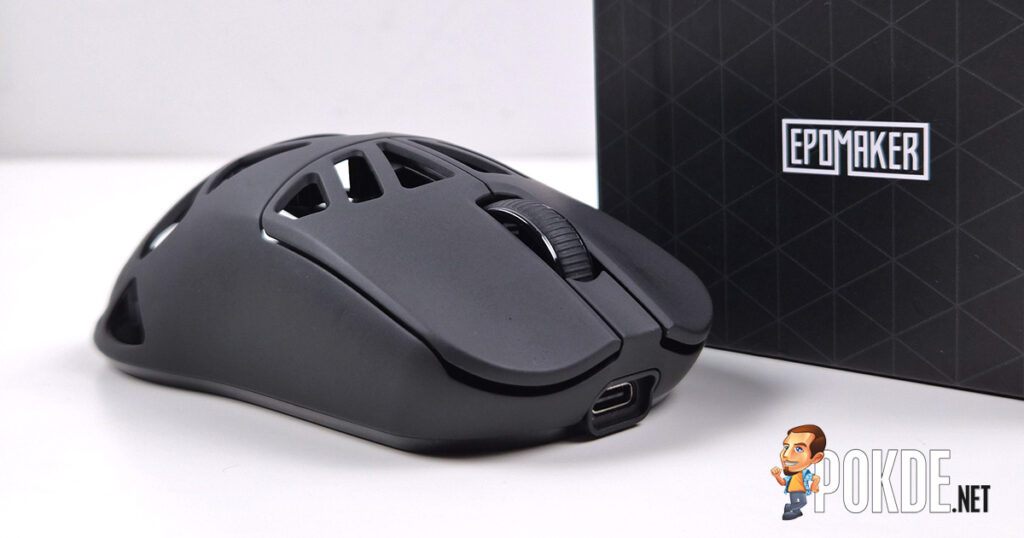
The Carbon X makes a strong first impression. The symmetrical shape, matte black finish, and perforated carbon fiber shell give it a look that is premium without being loud. There is no RGB, no aggressive branding, and no bright color accents, just a clean, minimalist design that hints at its gaming nature through the perforations rather than screaming it at you. The holes themselves are larger than the typical honeycomb-style cutouts you see on most lightweight mice, and I think that works in its favor both visually and functionally. They form a deliberate pattern that adds character to the overall look, and combined with the matte finish, the result is a mouse that looks genuinely refined for its price.
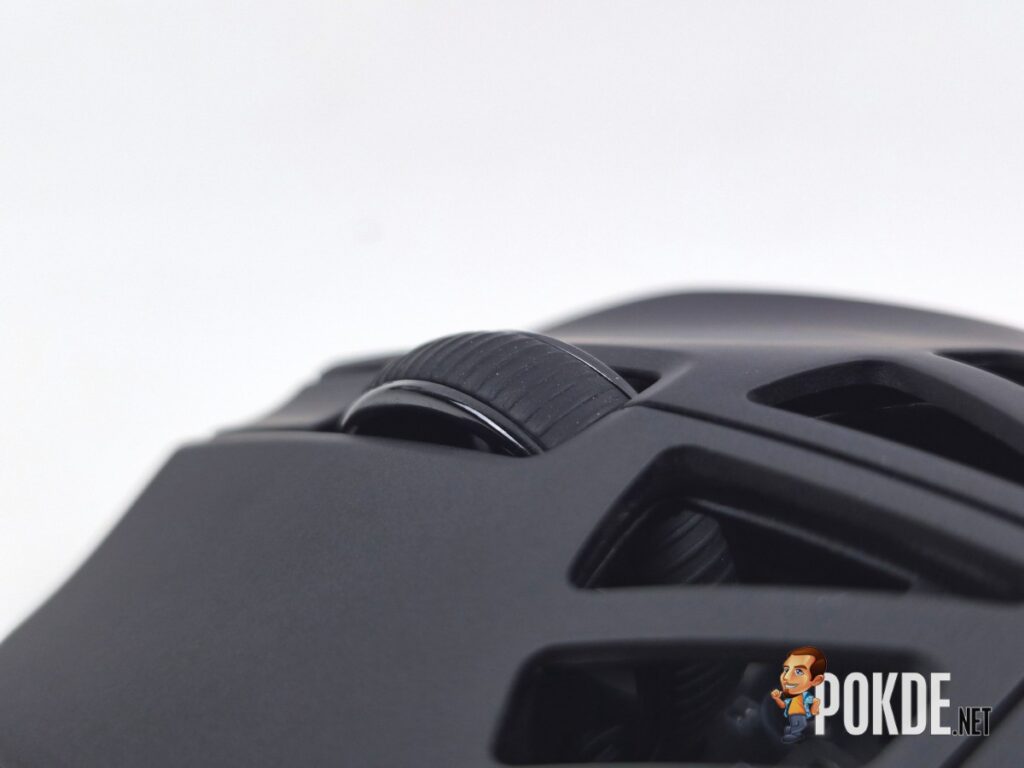
Build quality is where the Carbon X genuinely surprised me. Lightweight perforated mice have a reputation for feeling hollow or flimsy, and I went in with tempered expectations. Those expectations were wrong. The carbon fiber shell does not flex anywhere, the sides do not creak under pressure, and even the thin bridges between the perforations feel solid when you deliberately press on them. There is no sensor rattle, no internal noise when shaking the mouse, and the scroll wheel feels firmly secured with no unwanted sounds. The material clearly earns its place here, being significantly stronger than plastic while adding almost nothing to the weight.
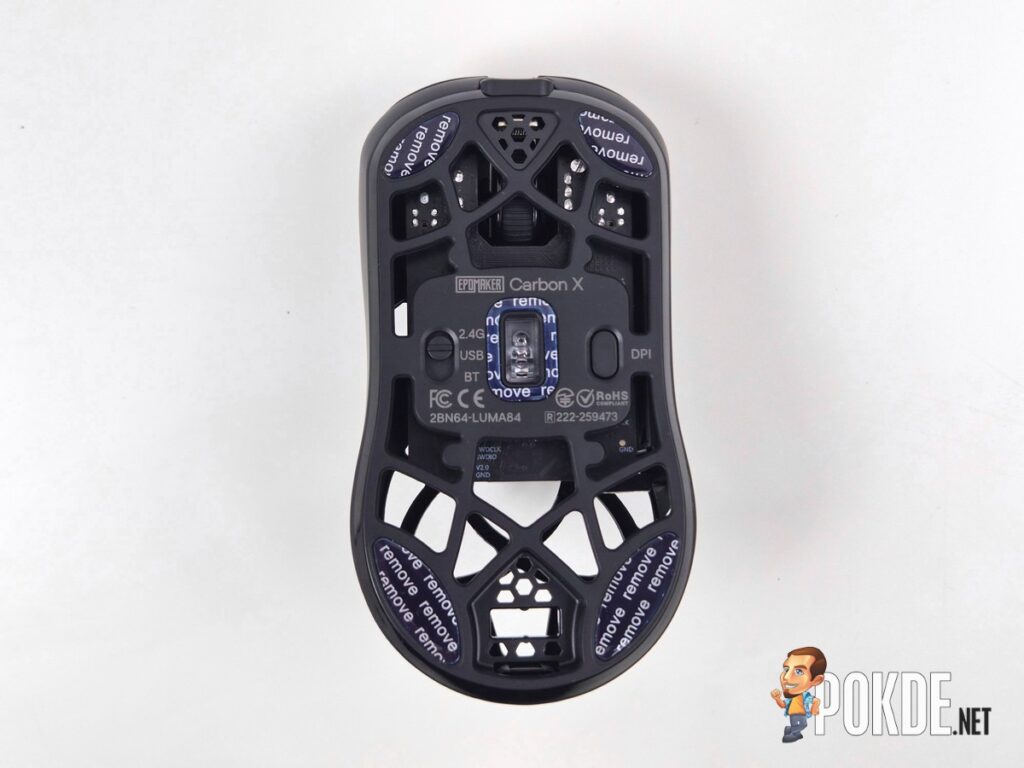
The coating deserves a specific mention as well. It has a soft, almost silky feel that is reminiscent of silicone or rubber, providing enough grip for comfortable use without being tacky. It is also noticeably fingerprint-resistant, which is something I appreciate more than I expected to. Long sessions do not leave the mouse looking like a crime scene.
The advertised weight is 50g, but my unit came in at 47g on the scale. It is one of the rare cases where a product actually weighs less than its official specification, and if you swap the stock PTFE skates for dot skates, you can shave it down even further. I had to bring this up as changing the skates is something you might want to consider, but more on that later.
Specifications
| Specification | Details |
|---|---|
| Material | Carbon Fiber |
| Number of Buttons | 4 |
| Main Switches | Omron Optical |
| Sensor | PixArt PAW3950 |
| Controller | Nordic nRF52840 |
| Resolution | Up to 30,000 DPI |
| Tracking Speed | 750 IPS |
| Acceleration | 50G |
| Lift-Off Distance | 0.7mm, 1mm, 2mm |
| Connectivity | Wired (USB-C), 2.4GHz Wireless, Bluetooth |
| Polling Rate | Up to 8,000Hz (Wired & 2.4GHz), 125Hz (Bluetooth) |
| Latency | 0.35ms (Wired), 0.4ms (2.4GHz), 10ms (Bluetooth) |
| Battery | 300mAh |
| Software | Web-Based |
| Available Colors | Black |
| Dimensions | 118 x 62.2 x 39.6mm |
| Weight | ~50g stated, 46g measured |
| Price | USD $79.99 |
The Good
Flagship Hardware at a Midrange Price
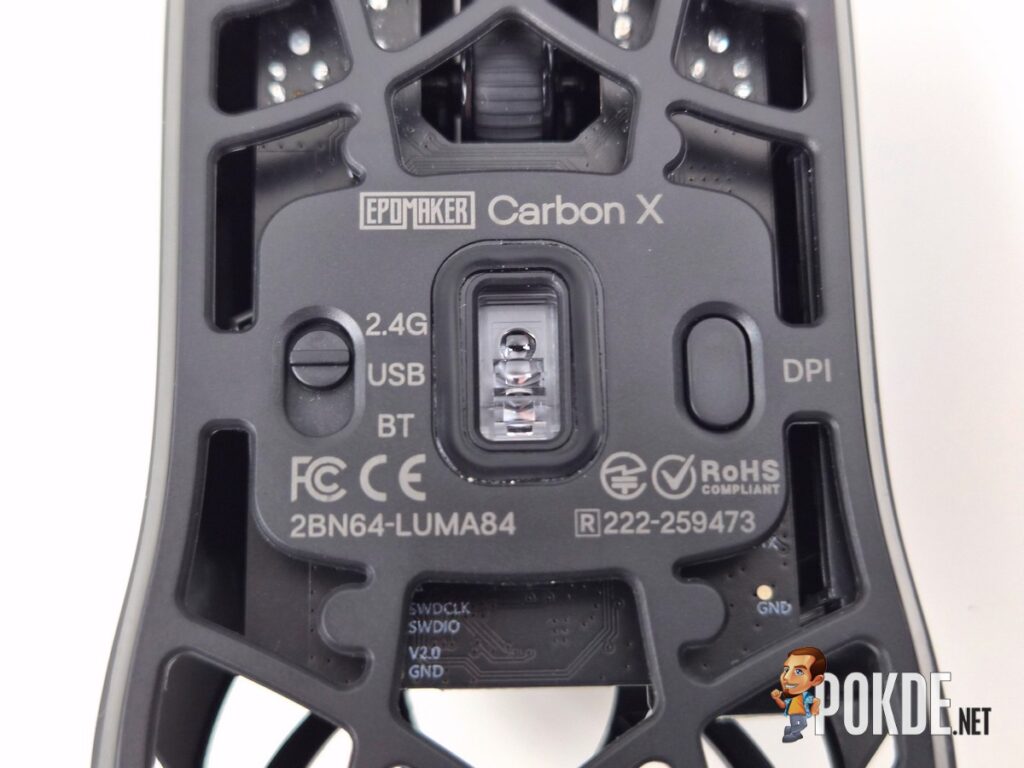
The PAW3950 sensor and Nordic nRF52840 MCU are a top-tier combination that typically appears in mice at significantly higher price points. From the moment I started using it, tracking was accurate, smooth, and consistent across all movement speeds, whether making small precise adjustments or faster swipes. No spin-outs, no jitter, no random hiccups, and the response always felt immediate and steady throughout my entire time with it. Getting this level of tracking performance at USD $79.99 is genuinely impressive and is arguably the Carbon X’s strongest selling point.


Exceptional Main Button Implementation
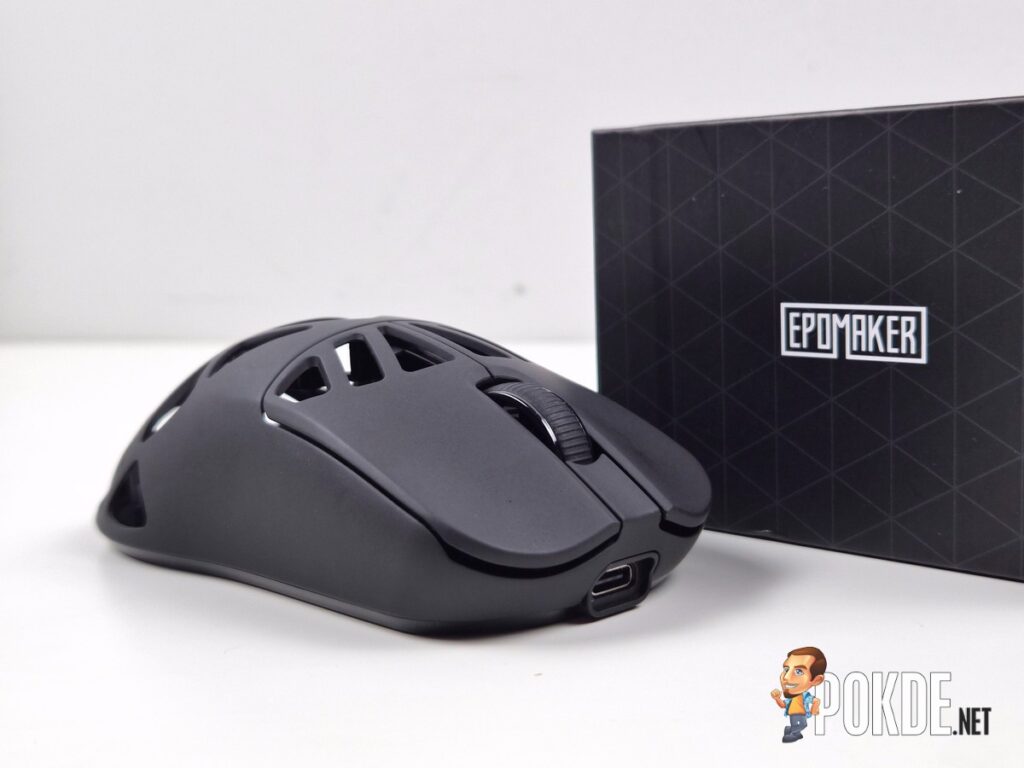
Omron optical switches with minimal pre-travel, near-zero post-travel, and no side travel make the main clicks a genuine highlight. What caught me off guard is how quiet and relatively non-metallic the sound is compared to other optical implementations I have used, and the actuation force is lighter than typical optical switches, making rapid clicking feel effortless. The elimination of long-term double-click risk is an added bonus that matters more the longer you plan to own the mouse. It is one of the best main button implementations I have experienced at any price point.
Carbon Fiber Build That Actually Delivers
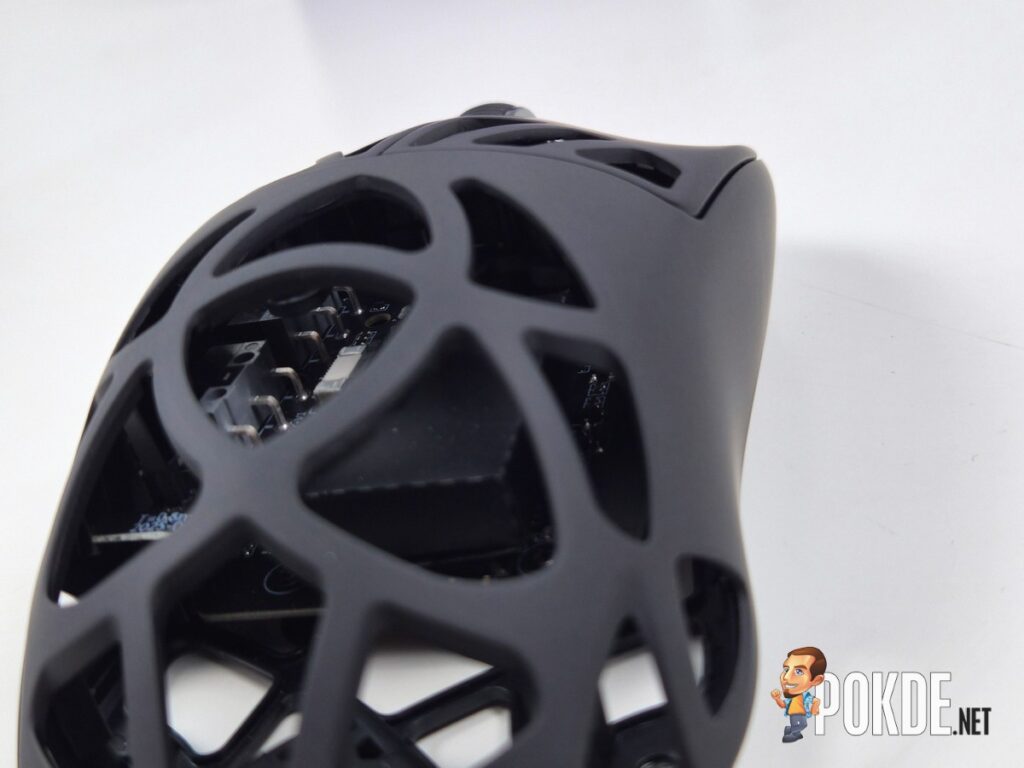
Lightweight perforated mice often sacrifice rigidity for weight savings, and I went in with tempered expectations. Those expectations were wrong. The shell does not flex anywhere, the sides do not creak under pressure, the thin bridges between the perforations feel solid even when deliberately pressed, and there is no sensor rattle or internal noise when shaking the mouse. The scroll wheel feels firmly secured with no unwanted sounds. The carbon fiber material clearly earns its place here, being significantly stronger than plastic while adding almost nothing to the weight. My unit also came in at 47g on the scale, lighter than the stated 50g.
Coating and Grip
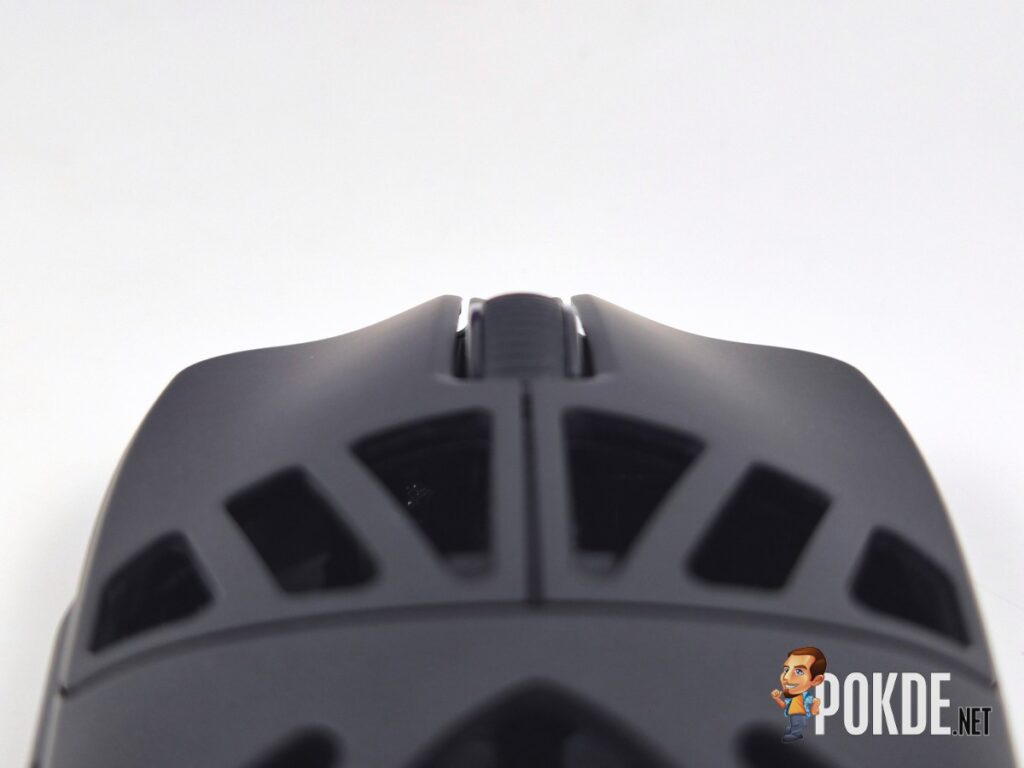
The soft, almost silky coating is reminiscent of silicone or rubber in feel, providing enough grip for comfortable use without being tacky. It is also noticeably fingerprint-resistant, which is something I appreciated more than I expected to during extended sessions. Long use does not leave the mouse looking like a crime scene, and it strikes the right balance between grip and comfort across different grip styles.
Solid Secondary Controls
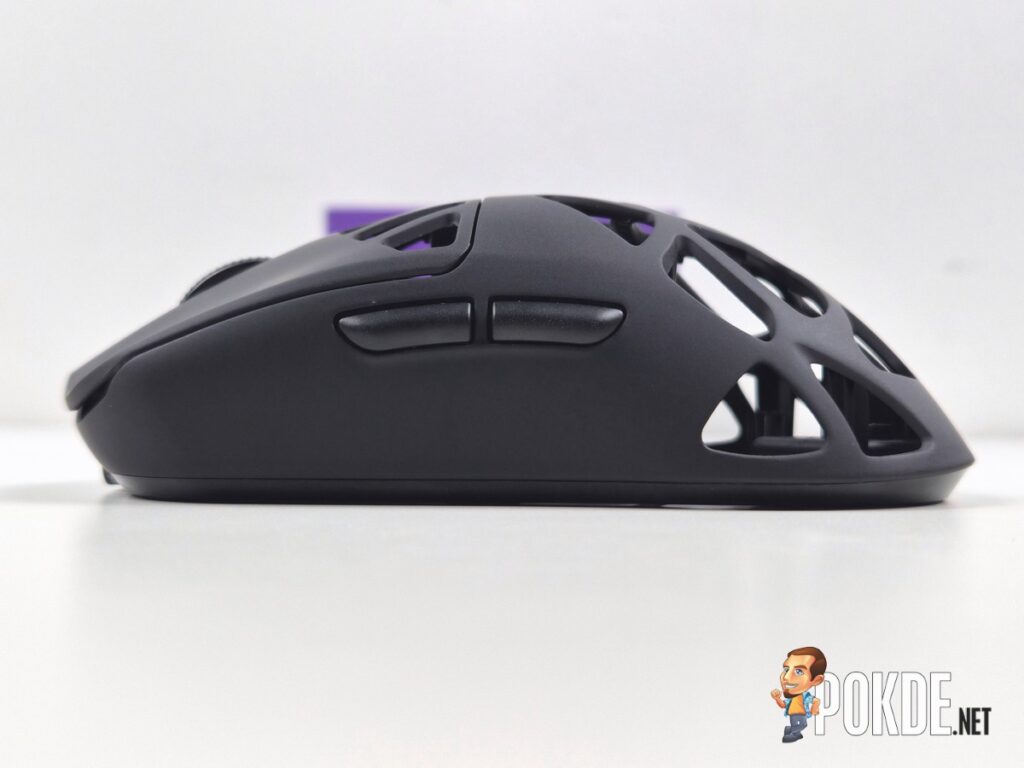
The side buttons use mechanical micro-switches with a lightly textured surface that makes them easy to locate by feel. Pre-travel is minimal, clicks feel direct and defined, and there is none of the mushiness that plagues cheaper side buttons. The scroll wheel is rubberized, quiet, and smooth, with well-defined steps and a moderate scrolling force that gives you good control. The middle click is slightly on the heavier side, but it is a minor point that does not detract from the overall experience.
Reliable Wireless Performance
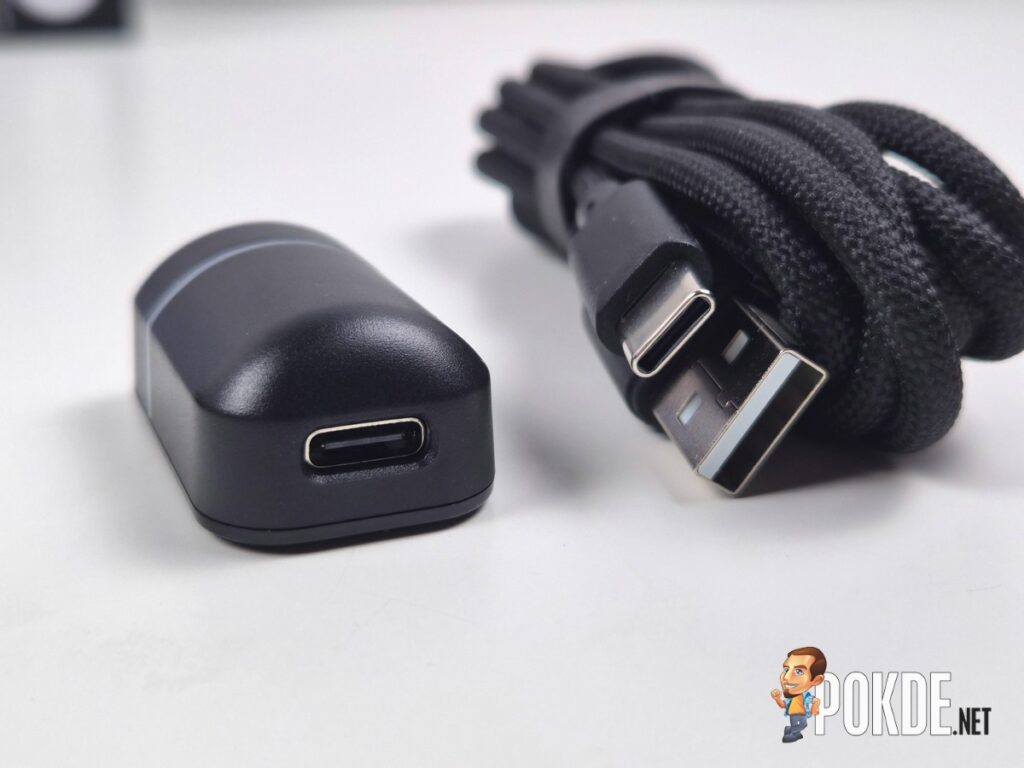
The 2.4GHz connection uses a cabled dongle design rather than a standard plug-in receiver, allowing you to position it closer to the mouse for a more stable signal. In practice the connection was completely solid throughout my testing with no interference, dropouts, or noticeable lag. There’s a tiny bit of latency when using Bluetooth but it’s hard to notice unless you’re playing a competitive game, and it’s a known limitation with Bluetooth connectivity, so I can’t blame Epomaker for that.
Web-based Software
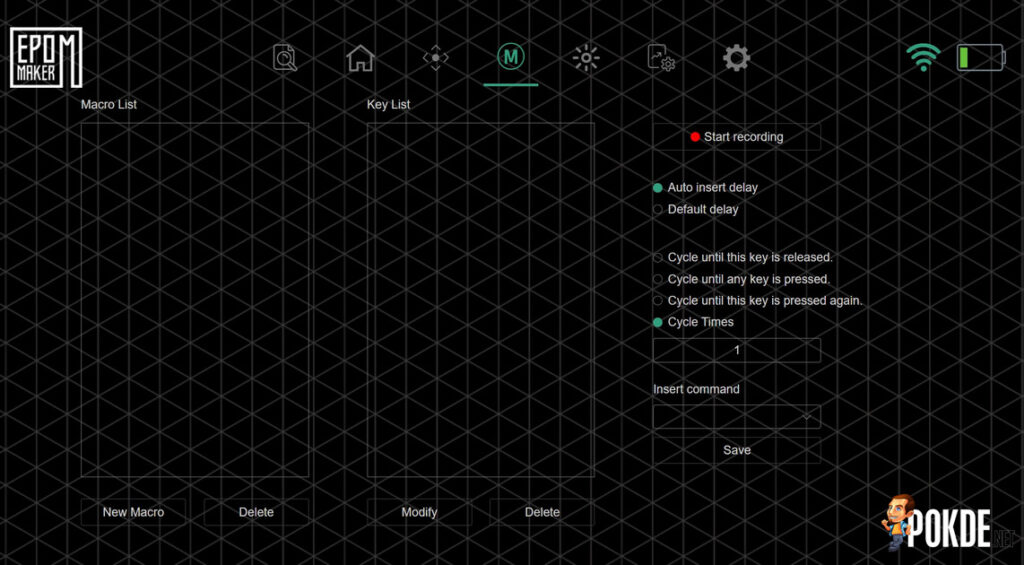
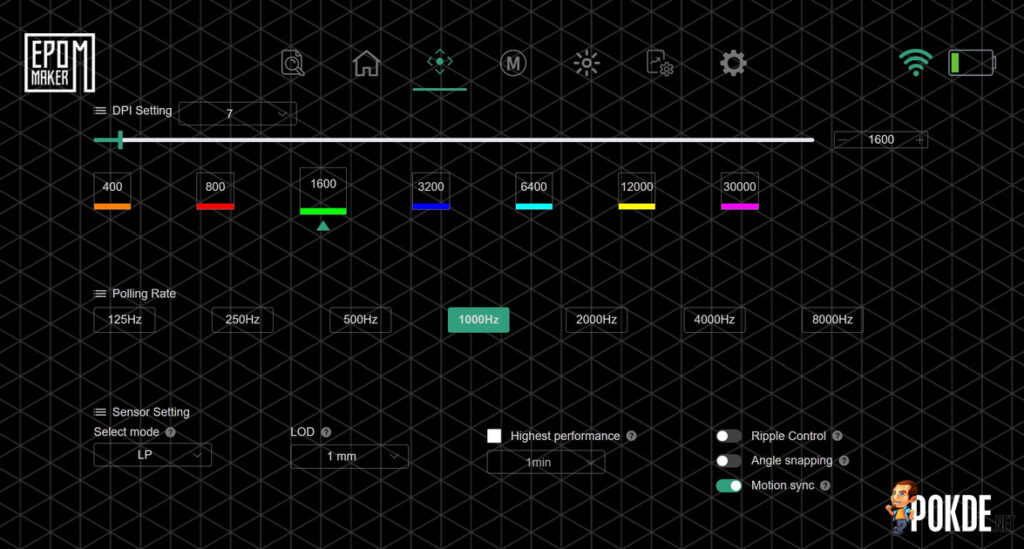
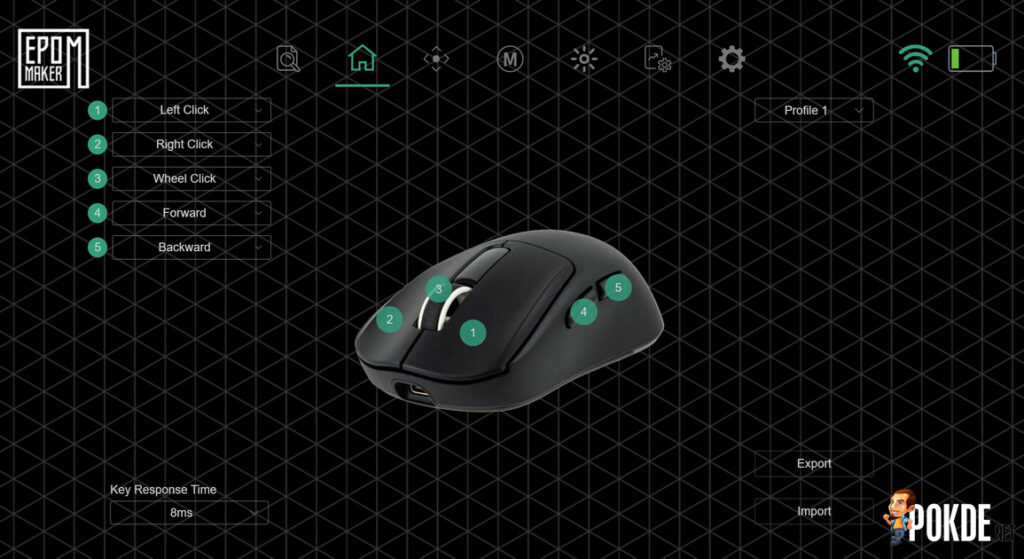
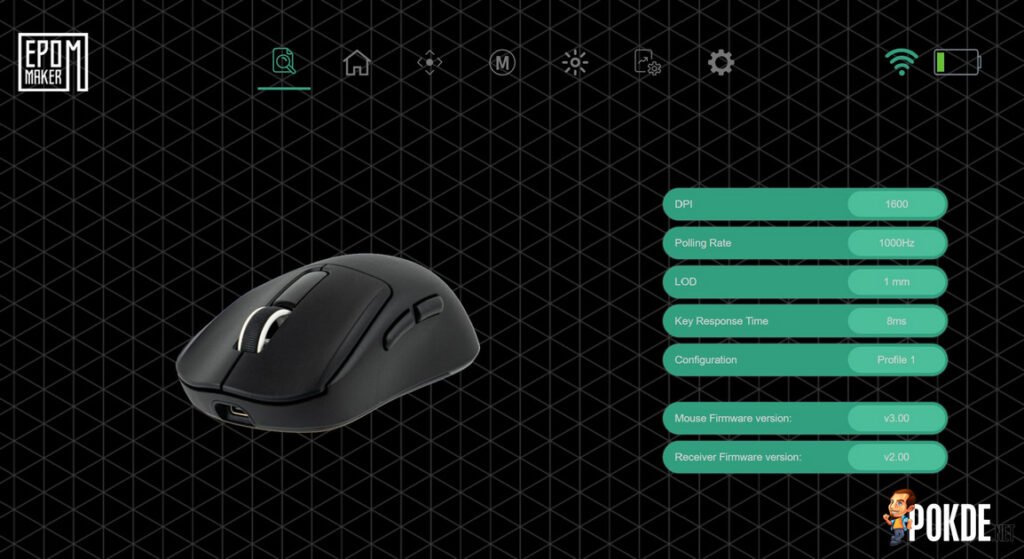
The web-based driver covers everything you would expect, including button remapping, DPI configuration, polling rate adjustment, lift-off distance, ripple control, angle snap, macro creation, and sleep time settings. It is clean, comprehensive, and installation-free, which I always prefer over having another application sitting in the system tray. The battery level indicator is present in the software as well, though it does not display an exact percentage.
If there was anything that can be improved, it would be that the web-based driver could initialize a bit faster, and adding the ability for the DPI button on the underside to be remapped to switch profiles rather than only cycling through DPI settings. Beyond that, it does everything it needs to.
In case you have trouble finding the web-based software, click right here to access it.
The Bad
Stock Skates Are Just Average
For a mouse that gets almost everything else right, the stock PTFE skates feel like an afterthought. They are functional but on the thinner side, and users who care about glide quality will likely want to replace them sooner rather than later. The inclusion of a spare set in the box softens the blow somewhat, but better stock skates would have been a cleaner finish to an otherwise well-rounded package. As mentioned earlier, you can further shave down its weight by swapping to dot skates.
Battery Life Could Be Better
Another downside to consider is its battery life. The Epomaker Carbon X comes with a measly 300mAh battery, with up to 90 hours on 1KHz polling rate, and that will reduce significantly to about 20 or so hours with 8KHz. Personally, I stick to 1KHz more, with the occasional 4KHz or 8KHz while gaming, and I find myself charging once every 2 or 3 days as I do use the PC for anywhere between 12 to 18 hours per day. It’s not bad given the capacity, but I do wish it lasted longer.
I would like to suggest bumping up the battery capacity but I can understand Epomaker not doing that in order to keep the weight as low as possible, barring any weight balance issues. Perhaps its future successor can have this bigger battery without adding on too much weight, or maybe they can go for a magnetic charging dock route, which would make charging much easier and allow users to feel like the battery never runs out whenever it’s being used unless one forgets to place it on a dock.
Epomaker Carbon X Verdict
The Epomaker Carbon X is a rare product in that it is genuinely difficult to find a meaningful weakness to level against it at its price point. Flagship sensor, top-tier MCU, Omron optical switches, carbon fiber construction, excellent coating, web-based software, and 8,000Hz polling, all for USD $79.99. The stock skates and battery life are the only thing that falls short of the overall standard, and the former can be easily remedied.
For anyone looking for a lightweight, competitive-ready mouse that does not ask you to compromise on build quality or performance to get there, the Epomaker Carbon X gets our coveted Gold Pokdeward without much argument.

Big thanks to Epomaker for sending us this mouse for the purpose of this review.