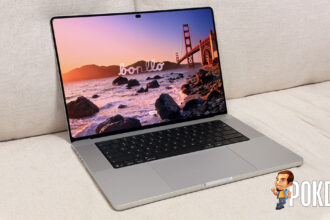

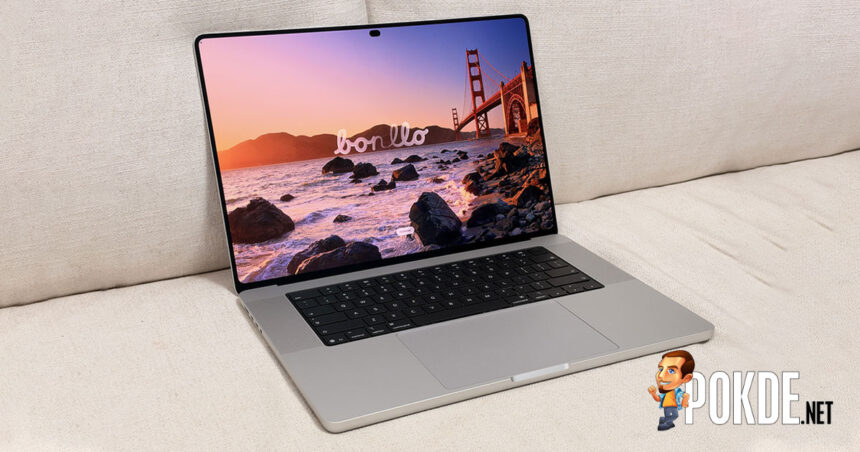
For more than a decade, Apple stuck to Steve Jobs’ verdict that touchscreen laptops are “ergonomically terrible.” This year it changed its mind. The 16-inch MacBook Pro with PROLED XDR Display is the first MacBook you can poke, and I’ve been poking it a lot.
My unit is the base 16-inch configuration. It has an M5 Pro chip with an 18-core CPU and 20-core GPU, 24GB of unified memory and 1TB of storage. It’s the Silver model with Standard Glass instead of the RM675 Nano-texture option. It costs RM14,499, exactly RM2,000 more than a similarly specced 16-inch with the Mini-LED Liquid Retina XDR display. You’re paying that RM2,000 for the screen, so the screen is what I’ve focused on.
Lighter, and the logo glows again
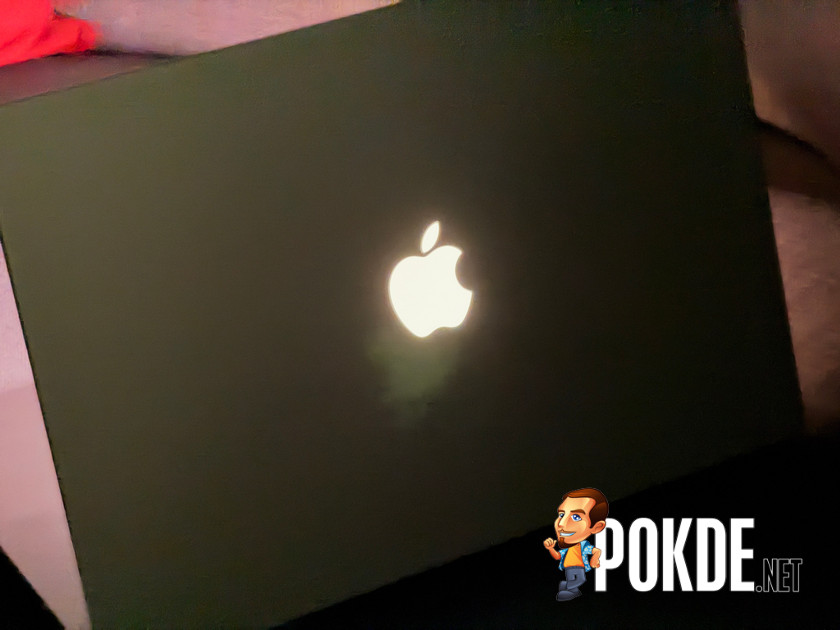
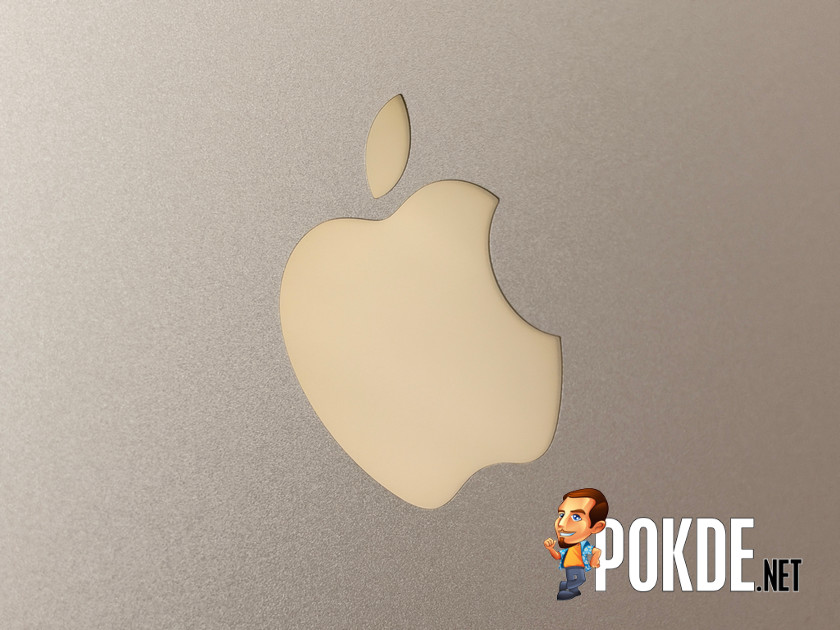
Before you even turn it on, the new model is noticeably lighter. It weighs 1.82kg, down from 2.14kg on the Mini-LED 16-inch. It’s well balanced too, so picking it up one-handed by a corner feels natural. It’s also slightly thinner and a touch smaller, but it still feels like a MacBook Pro.
Apple has also brought back the glowing Apple logo on the lid. It follows your screen brightness and can be switched off completely. That’s pure nostalgia, and I’m not complaining.
The screen, and touching it
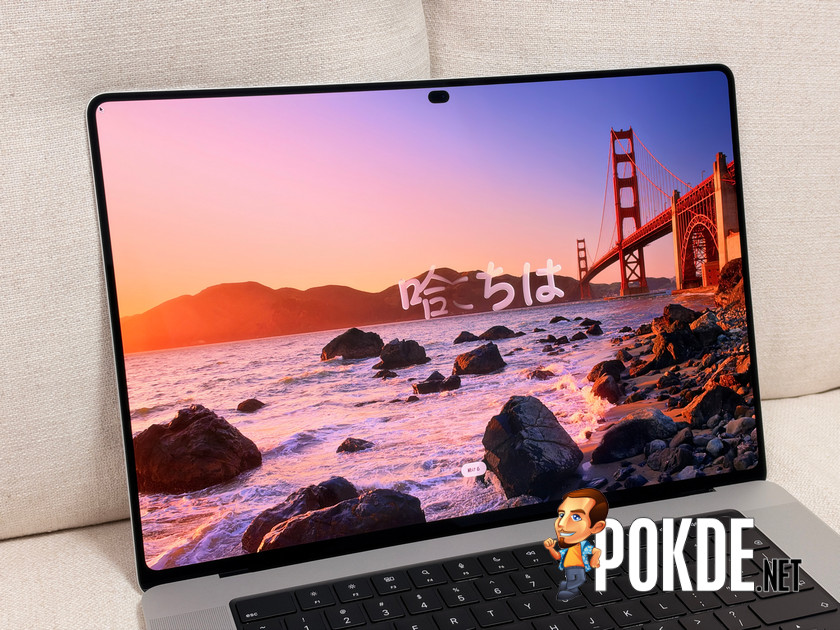
The PROLED XDR panel looks gorgeous. Colours are vibrant, contrast is deep and everything looks rich in the way good OLED does. The Liquid Retina XDR display was already excellent, so this is a step up rather than a revolution. The notch is gone too. A Dynamic Island takes its place and holds your media controls plus the brightness and volume sliders.
I’ve been using touch more than I expected, more than on any touchscreen Windows laptop I’ve owned. That’s partly because I’m not fluent in Mac trackpad gestures. Swiping, pinching and double-tapping a window to maximise it are simply easier to do on the screen. Once I’m actually typing, though, reaching for the display gets tiring fast, and the trackpad wins. macOS 27 Golden Gate is still built mainly around precise cursor control. The good news is that you get both.
Third-party apps are where it gets messy. Apple has added a feature that enlarges small targets, like the window buttons and drop-down menus, when you touch them. In DaVinci Resolve Studio it sometimes clashes with the app’s own controls. I’ve accidentally moved clips, and once the whole interface got magnified instead of just the element I tapped. Microsoft Office does better with touch once you zoom in. Without zooming, its tightly packed toolbar buttons made me hit the wrong one more than once.

I don’t regret skipping Nano-texture. Glare hasn’t bothered me so far. Smudges on a glossy touchscreen are another matter, and it’s too early for me to judge them.
Everything else
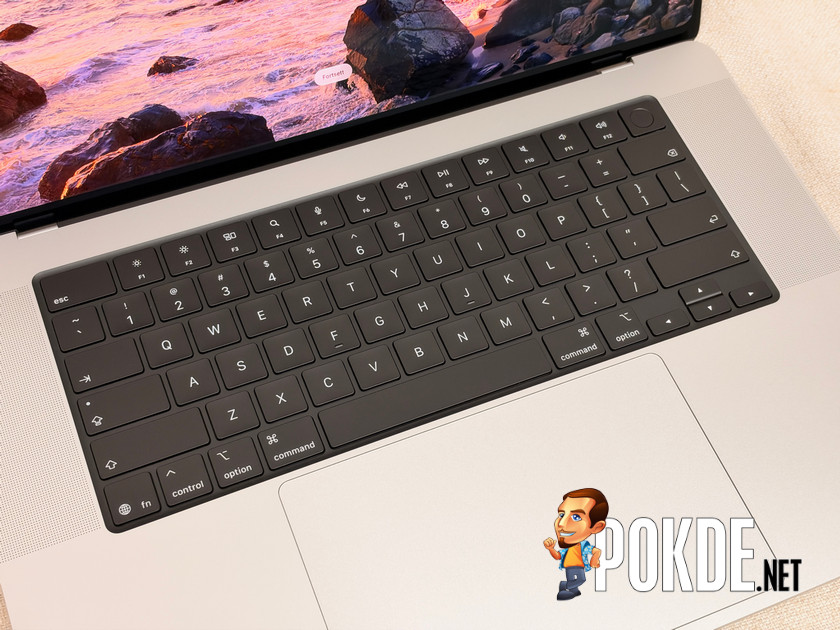
The keyboard feels the same as on previous MacBook Pros, with the same key travel, tactile feel and spacing, so it’s still very comfortable. The trackpad is unchanged too. The six-speaker system is still class-leading and now has noticeably more bass, which makes movies and music more enjoyable. Apple has apparently tuned the audio for when the lid is closed, which I haven’t tried yet.
The ports are three Thunderbolt 5 ports, HDMI, MagSafe 3, an SDXC card slot and a headphone jack, which is a healthy assortment for these kinds of devices these days. So far it runs cool and only gets lukewarm at worst but to be fair, I haven’t given it a really heavy DaVinci Resolve project yet so we’ll see how it truly fares in the review.
Early verdict
Touch on a MacBook works better than I expected. It’s intuitive in Apple’s own apps, still rough in some third-party ones, and nice to have alongside the trackpad rather than in place of it. Whether that’s worth RM2,000 depends on one thing: how much I keep using it once the novelty wears off. If I end up barely touching the screen, the answer is no.
The full review will cover that, along with benchmarks, battery life, a proper heavy Resolve render, and my verdict on smudges. Stay tuned to Pokde.NET.