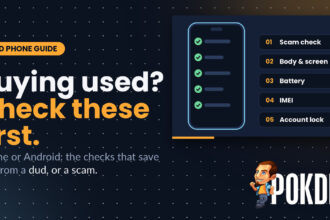

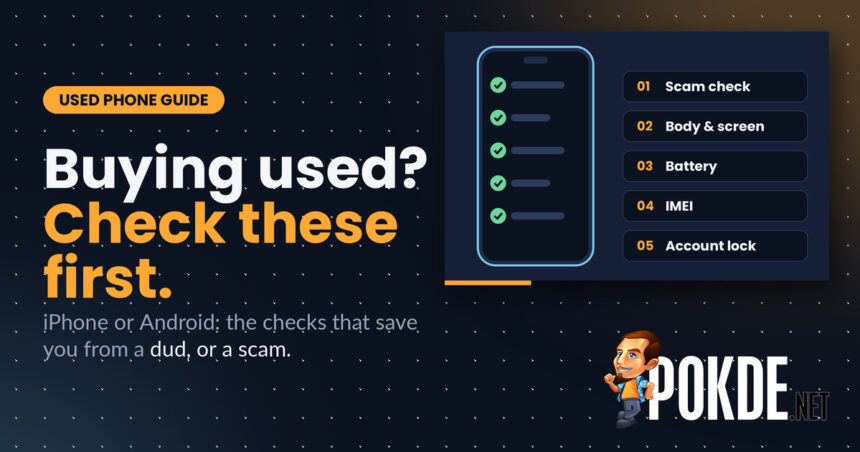
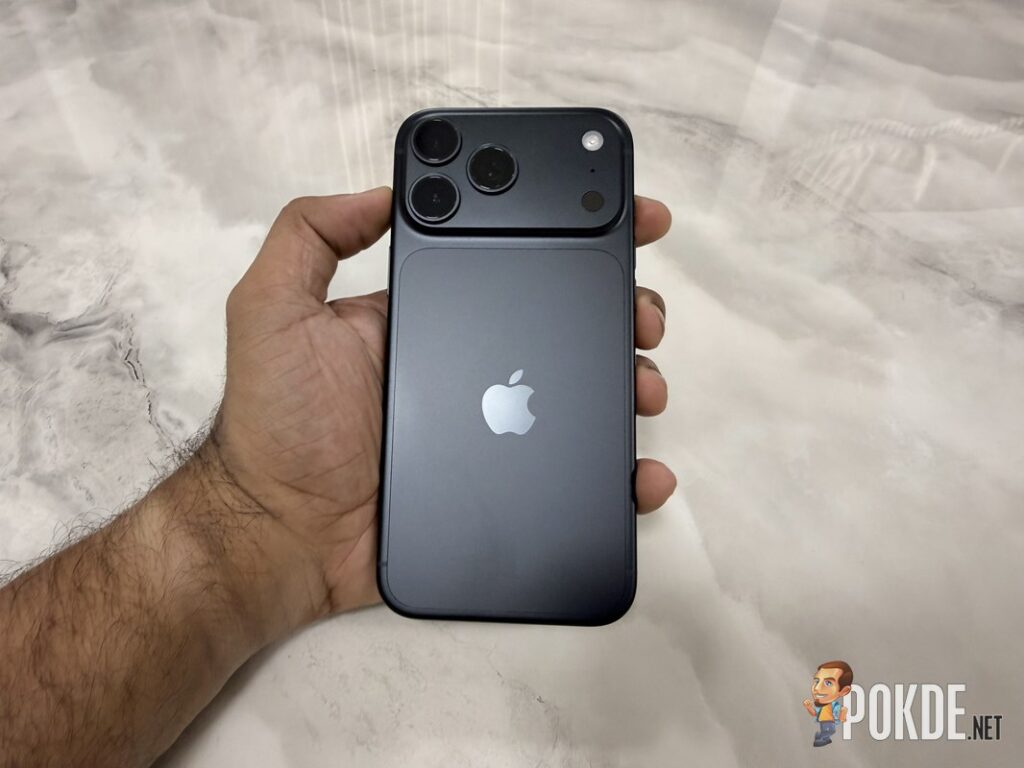
New phones are getting more expensive as the memory chip shortage drags on, and more people are turning to the used market instead. Counterpoint Research expects global refurbished phone sales to grow about 11% this year even as new phone shipments fall. A used phone can be a great deal, but only if you check it properly before you pay. Here’s what to look at, whether it’s an iPhone or an Android phone.
Before You Pay: Check the Seller
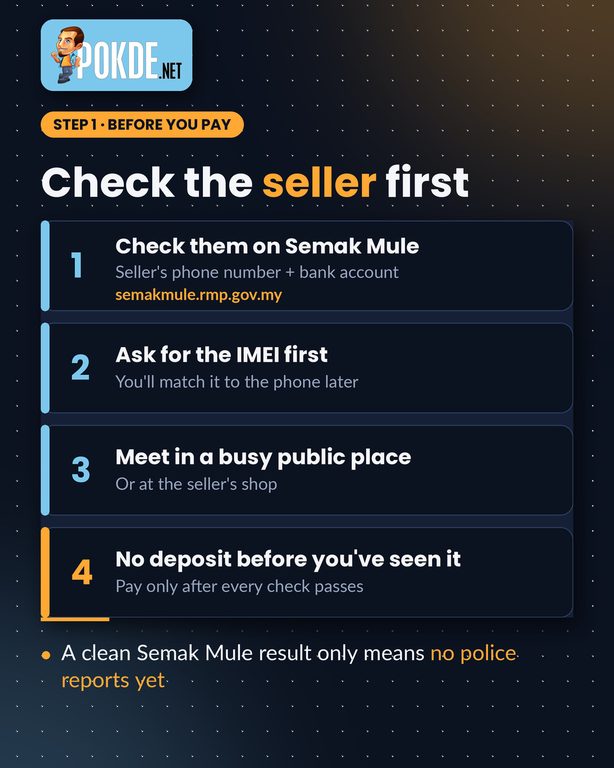
Start before you even meet. Put the seller’s phone number and bank account into Semak Mule (semakmule.rmp.gov.my), the police portal that checks them against scam reports. Keep in mind that a clean result only means nobody has reported them yet, not that they’re honest. Ask for the phone’s IMEI number in advance so you can match it later, meet somewhere busy and public (or at the seller’s shop), and don’t pay a deposit for a phone you haven’t seen and tested.
Test the Body
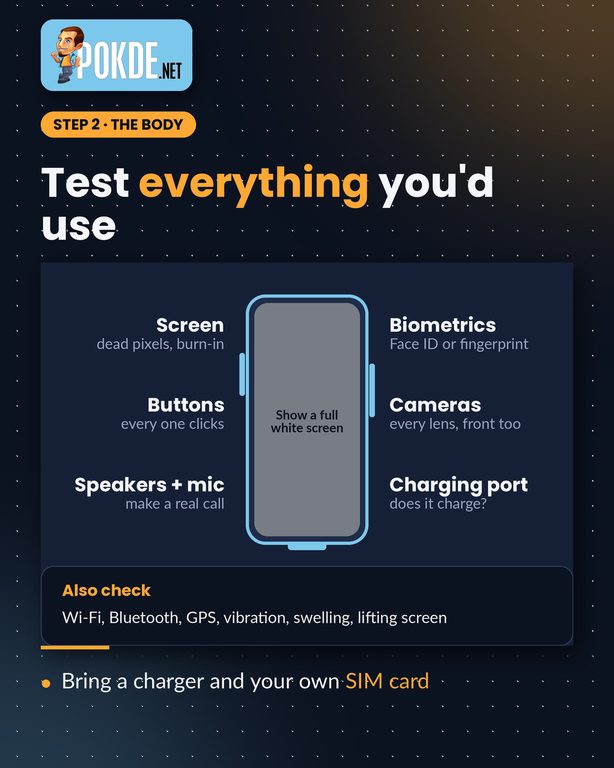
Test everything you’d actually use. Put up a full white or grey image to spot dead pixels, tinting or burn-in on OLED screens. Press every button, make a real call to check the earpiece, speaker and microphone, set up Face ID or the fingerprint sensor, and take a photo with every camera, front and back. Plug in a charger to confirm the port works. Also check Wi-Fi, Bluetooth, GPS and vibration, and look along the edges for a lifting screen or a bulging back, which can be signs of a swollen battery.
Check the Battery Health
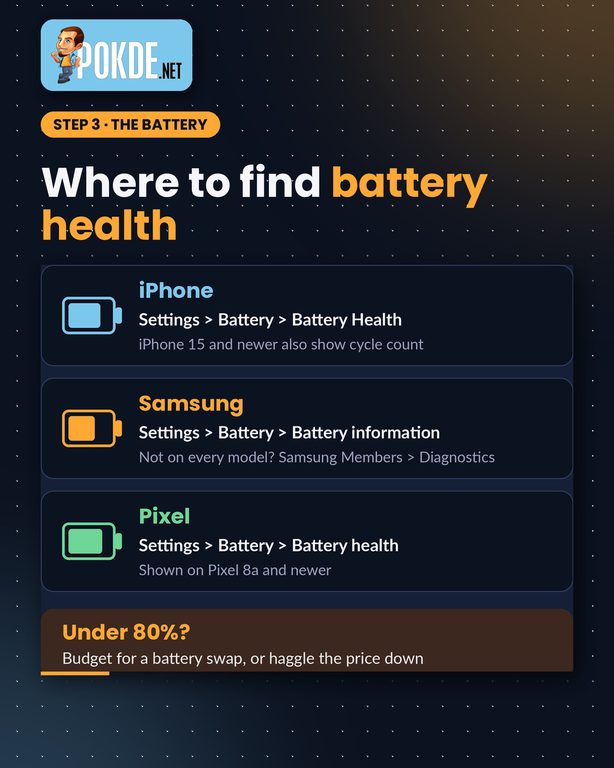
Batteries wear out, and a replacement adds to what you really pay. Most phones now show battery health somewhere in Settings, though where depends on the brand (see the iPhone and Android sections below). As a rule of thumb, 80% is the point where a battery is generally considered due for replacement. If it’s below that, either budget for a new battery or use it to negotiate the price down.
Match the IMEI
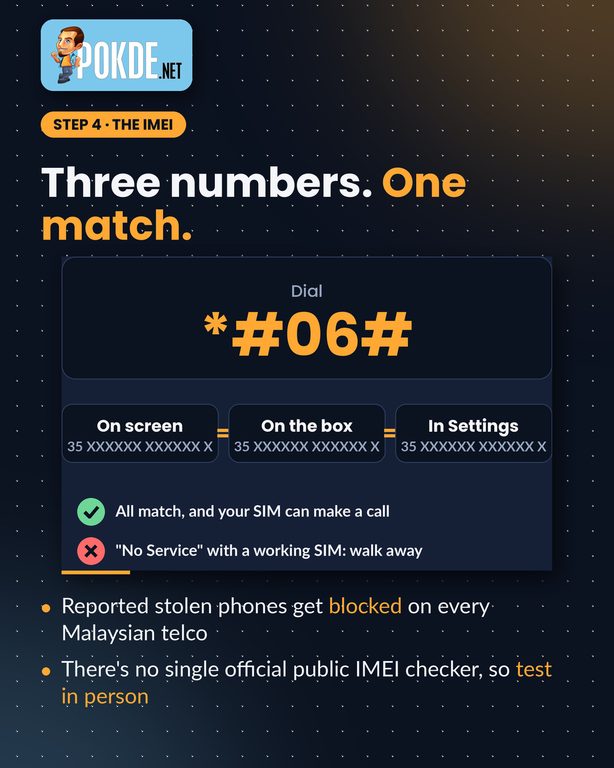
Every phone has an IMEI number. Dial *#06# to show it, then make sure it matches the number on the box and in the phone’s Settings. In Malaysia, when an owner reports a phone lost or stolen, the IMEI is blocked across every local telco, so the phone can’t make calls, send SMS or use mobile data. There’s no single official public website to check this, so put your own SIM card in and make a call. If a SIM that works in your phone shows “No Service” here, walk away. Also remember that a phone can still be reported and blocked after you buy it, which is another reason to get a receipt.
Check the Account Lock
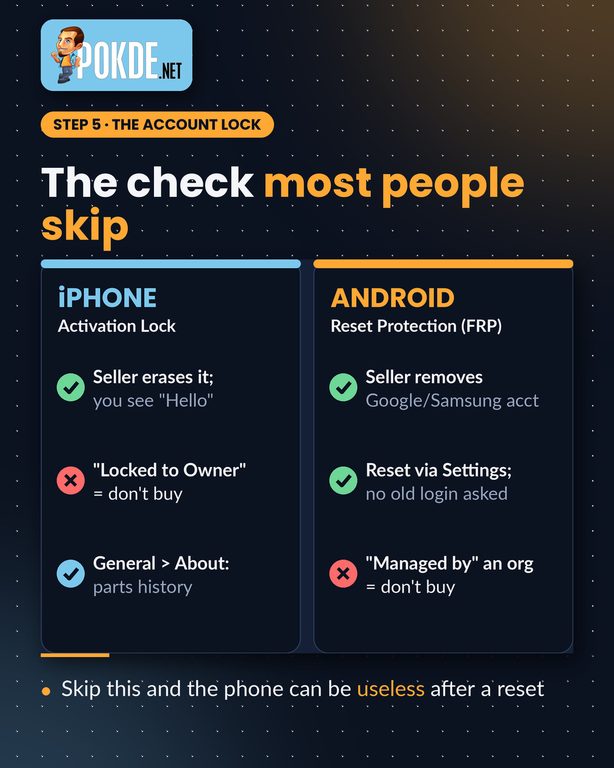
This is the check most people skip. Both iPhone and Android phones can stay tied to the previous owner’s account even after a factory reset, and if that happens, you won’t be able to set the phone up. The fix is simple but has to happen in front of you: the seller removes their account and erases the phone, and you start setting it up before you pay. The steps differ by platform.
Buying a Used iPhone: What to Check
Activation Lock. Turn the iPhone on. If you see a passcode screen or the Home Screen, it hasn’t been erased yet, so ask the seller to sign out of their Apple Account and erase it. Once erased, the iPhone should show the “Hello” screen. If it shows “iPhone Locked to Owner”, or asks for the previous owner’s Apple Account during setup, don’t buy it. Apple no longer offers a way to check this remotely, so you need the phone in hand.
Battery health. Go to Settings > Battery > Battery Health. iPhone 15 and newer also show the cycle count there. Apple designs iPhone 14 and older batteries to keep 80% of their capacity after 500 full cycles, and iPhone 15 and newer after 1,000.
Parts and Service History. Go to Settings > General > About. If the iPhone has been repaired, a Parts and Service History section appears, listing parts such as the battery, display and cameras. “Genuine” means Apple parts and processes; “Unknown” can mean a non-genuine part or one that isn’t working properly. If the section doesn’t appear at all, the phone probably hasn’t had parts replaced.
Device management. Check Settings > General > VPN & Device Management. If the iPhone is managed by a company or school, it can be locked or restricted remotely, so avoid it.
Warranty. Enter the serial number at checkcoverage.apple.com to see whether any warranty or AppleCare coverage is left.
Buying a Used Android Phone: What to Check
Factory Reset Protection (FRP). Once a Google account is added to an Android phone, FRP turns on automatically. After a reset, the phone asks for that account before it can be set up again. Ask the seller to remove their Google account (and on Samsung phones, their Samsung account too) and then reset the phone from Settings. On Samsung, that’s Settings > General management > Reset > Factory data reset. Start the setup and connect to Wi-Fi. If it asks you to verify an account that was on the phone before, the lock is still on. Don’t buy it until the seller fixes it.
Battery health. This varies by brand. On recent Samsung Galaxy phones, go to Settings > Battery > Battery information, which shows capacity and cycle count. If your model doesn’t have it, open the Samsung Members app and run the battery test under Diagnostics. On Google Pixel phones, go to Settings > Battery > Battery health; the status is shown on the Pixel 8a and newer. Other brands differ, so if you can’t find it, assume the battery is worn and price it in.
Device management. If the phone says it’s managed by an organisation, it may be a work or school phone that can be locked remotely. Walk away.
Warranty. Check the remaining warranty on the brand’s own support site or with its service centre using the IMEI or serial number.
Shop or Stranger? It Matters
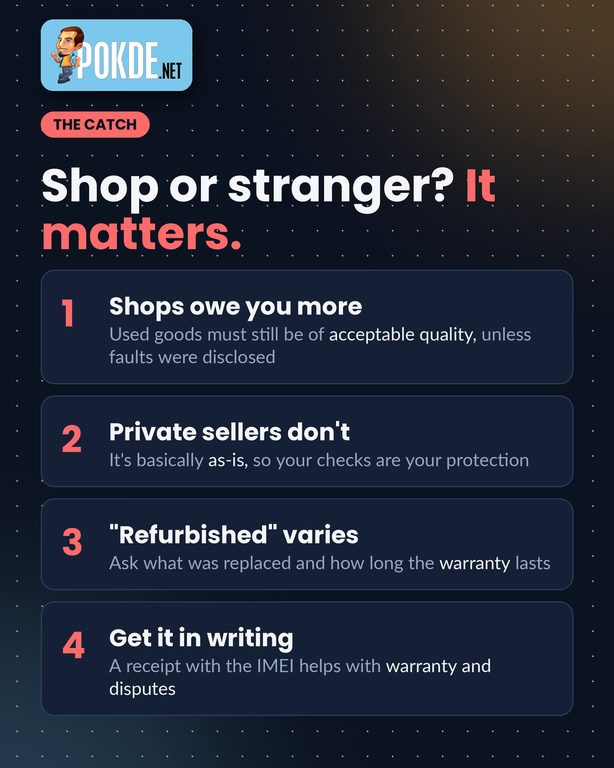
Under the Consumer Protection Act 1999, goods sold by a business must be of acceptable quality, and Malaysia’s Court of Appeal has held that this applies to second-hand goods too. The exception is defects the seller told you about before the sale. If a shop won’t sort out a problem, you can file a claim with the Tribunal for Consumer Claims for amounts up to RM50,000. A private seller on Carousell or Mudah generally isn’t covered in the same way, so your own checks are your main protection. “Refurbished” isn’t a standard grade either, so ask exactly what was replaced and how long the shop’s warranty lasts. Whoever you buy from, get a receipt that shows the IMEI. This is general information, not legal advice.
The 30-Second Cheat Sheet
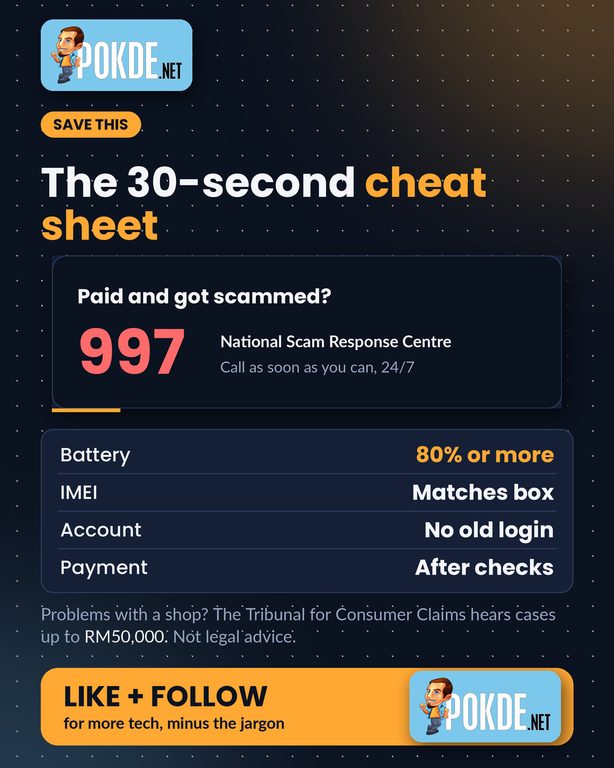
Battery at 80% or more, an IMEI that matches the box, no old account login after a reset, and payment only after every check passes. If you do pay and realise you’ve been scammed, call the National Scam Response Centre on 997 as soon as possible, so the banks have the best chance of freezing the money.
For more useful guides, stay tuned to Pokde.NET.