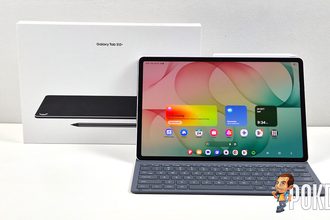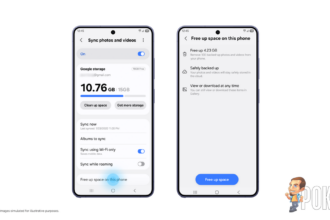
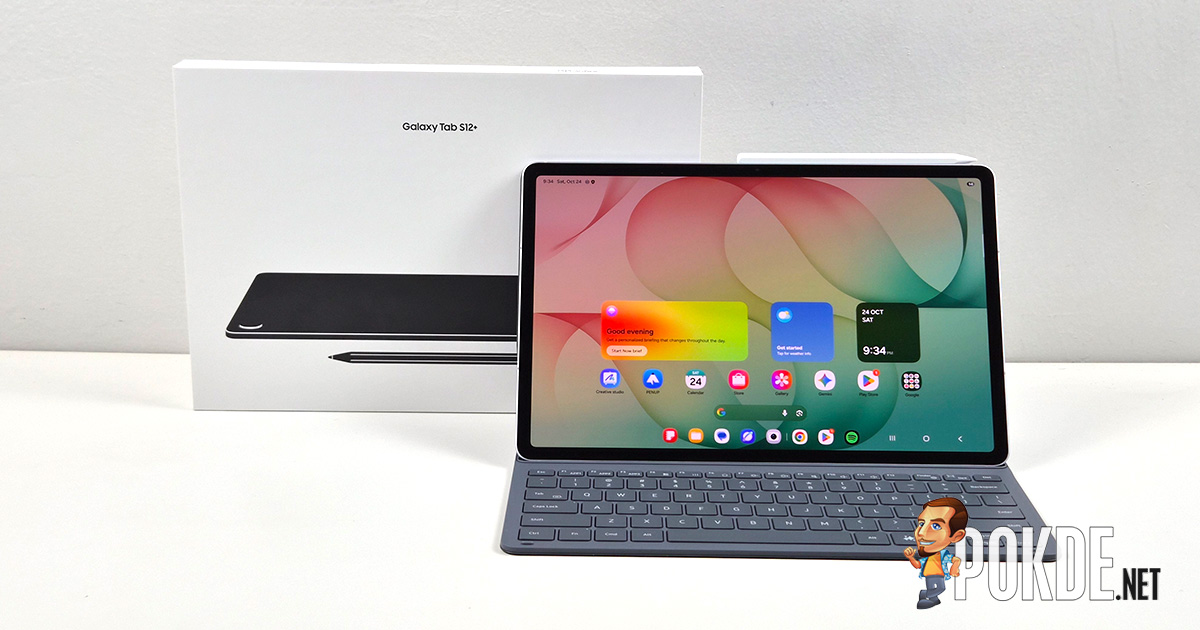

Samsung Gallery sync is now available across supported Galaxy devices, allowing users to access their photos and videos on multiple devices using their existing Samsung and Google accounts. The feature, developed in collaboration with Google, eliminates the need to create a separate cloud account and works with the storage users already have tied to their Google account.
Samsung Gallery Sync Now Live
If a Samsung and Google account are already set up on the device, users can enable sync directly within the Gallery app without any additional account registration. Once enabled, photos taken on a Galaxy phone, for example, can be viewed in Gallery on a Galaxy tablet signed in to the same accounts.
When setting up a new Galaxy device, signing in with the same Samsung and Google accounts used on a previous device and enabling sync will display previews of previously synced photos and videos. Users who need a full-resolution original file can select and download it to the device on demand.
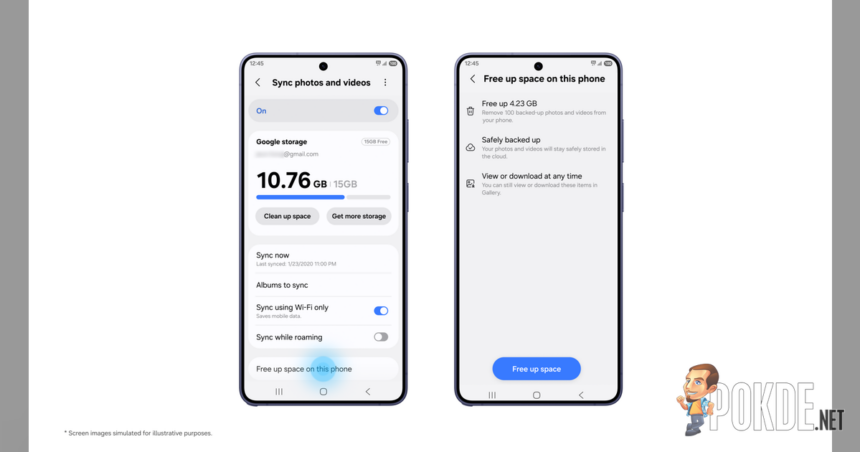
Samsung Gallery sync draws on the user’s existing storage plans from Google, which is shared across Gmail, Google Drive and Google Photos. Should a device’s onboard storage space be a concern, Samsung has introduced “Free up space” feature which allows users to remove the original files from device storage (with a copy still in Google Photos) while thumbnails remain visible in the Gallery app, which minimizes storage space usage.
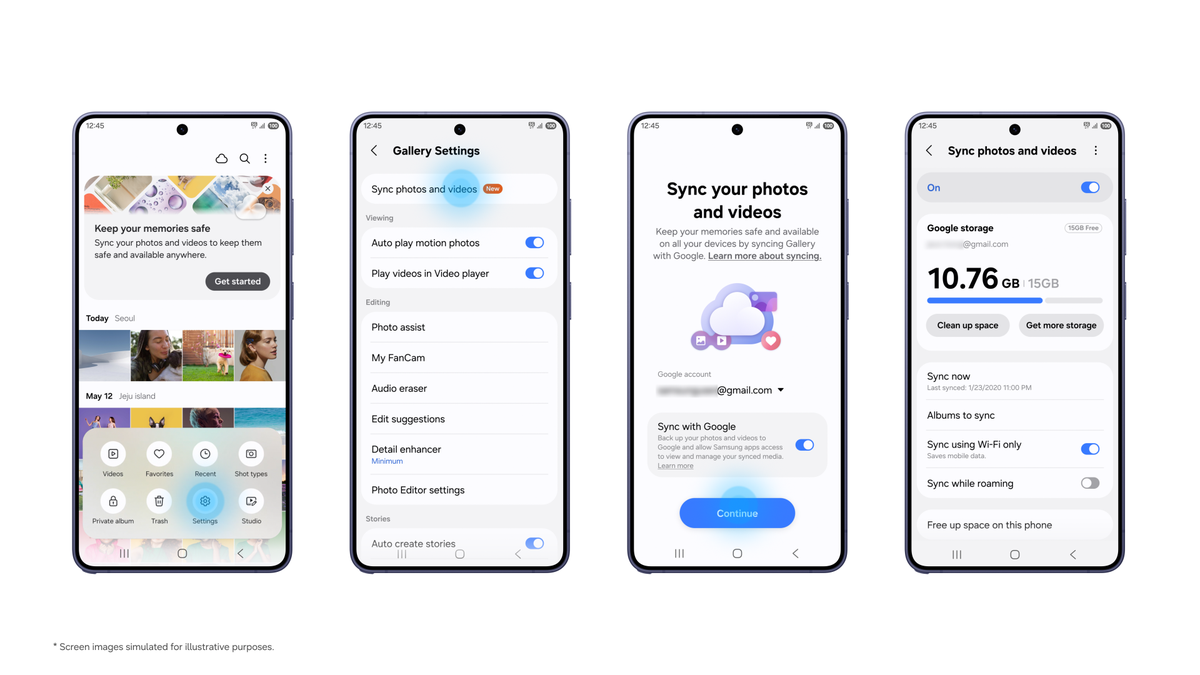
The feature is now live on select Galaxy devices running One UI 9 (Android 17), with a phased rollout planned for additional devices. To enable the feature, users can tap the Cloud icon in the Gallery app, tap “Get started” on the tip card, or go to Gallery Settings and turn on “Sync photos and videos” before following the on-screen instructions.
Pokdepinion: This is probably designed for those who already subscribed to Google One plans. 15GB is not much considering some people’s camera roll can get extremely huge!